 ByAnish

WhatsApp Passkey Protection for End-to-End Encrypted Backups
Written by Anish | Published: October 30, 2025.
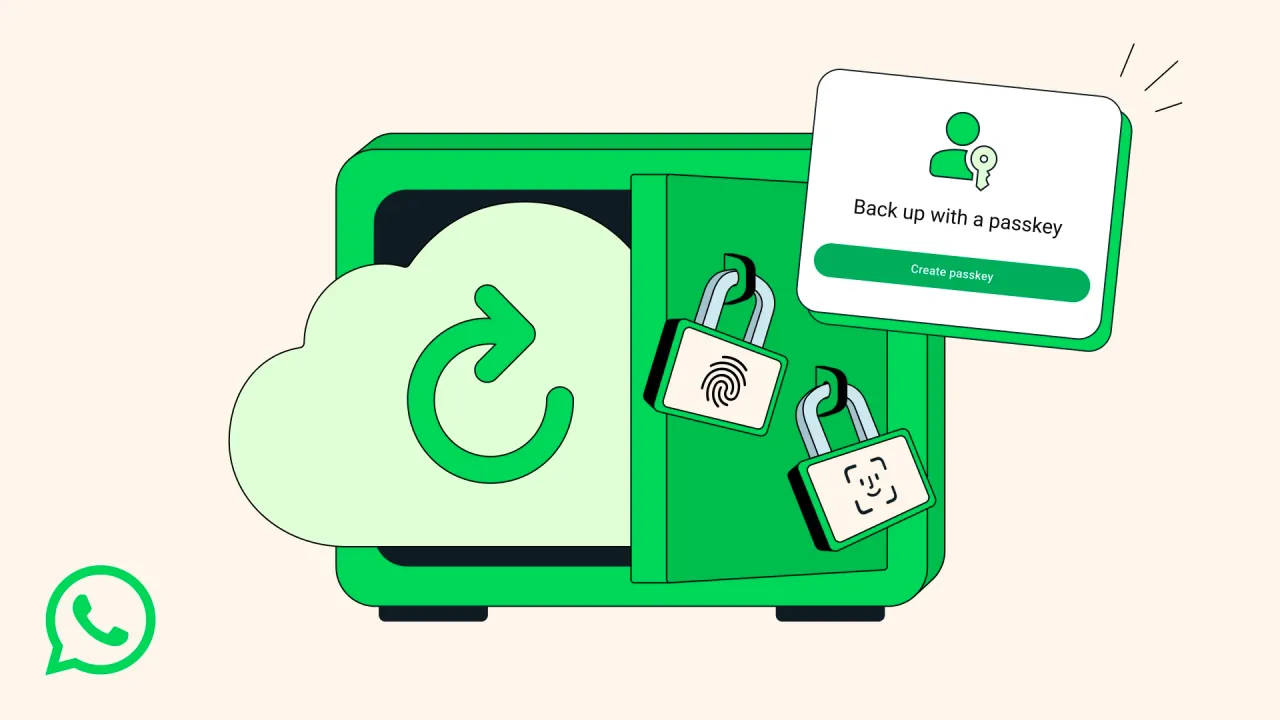
WhatsApp is enhancing the security of its chat backups by introducing passkey protection for end-to-end encrypted backups. This new feature allows users to restore their chats using passkeys such as fingerprint, face recognition, or the screen lock code from their previous device—eliminating the need to remember long passwords or encryption keys.
Previously, WhatsApp allowed users to protect backups with end-to-end encryption using either a password or a 64-character encryption key, introduced in 2021. While this ensured data security, many users faced challenges during backup restoration due to forgotten passwords or misplaced keys. With the introduction of passkeys, restoring backups becomes far simpler and more convenient.
WhatsApp, which reached over 3 billion active users in May 2025, will roll out this feature gradually. Users can enable passkey-protected backups by navigating to:
Settings > Chats > Chat backup > End-to-end encrypted backup
Here, you can turn on encrypted backups and check if the passkey option is available for your account. Once activated, your backups remain secure while providing quick access when you switch or lose your device.
This move reinforces WhatsApp’s commitment to privacy and security, ensuring that users’ conversations are protected with state-of-the-art encryption while keeping the recovery process user-friendly.
FAQ About WhatsApp Passkey Encrypted Backups
Q1: What are WhatsApp passkey encrypted backups?
A: Passkey encrypted backups allow you to restore your WhatsApp chats using device authentication like fingerprint, face ID, or screen lock, without needing a password or encryption key.
Q2: How do I enable passkey protection on WhatsApp?
A: Go to Settings > Chats > Chat backup > End-to-end encrypted backup, and follow the instructions to enable passkey access.
Q3: Are my WhatsApp backups still secure with passkeys?
A: Yes. Passkeys maintain end-to-end encryption, ensuring that only you can access your chat backups.
Q4: When will WhatsApp passkey backups be available?
A: WhatsApp is rolling out this feature in phases, so it may take weeks or months to reach all users.
Q5: Can I use both password and passkey for backup encryption?
A: Currently, you can choose either a password/encryption key or a passkey for encrypted backups.