

ByAnish
Top 5 BI Tools to Streamline Business Decision-Making
Introduction to Business Intelligence Tools
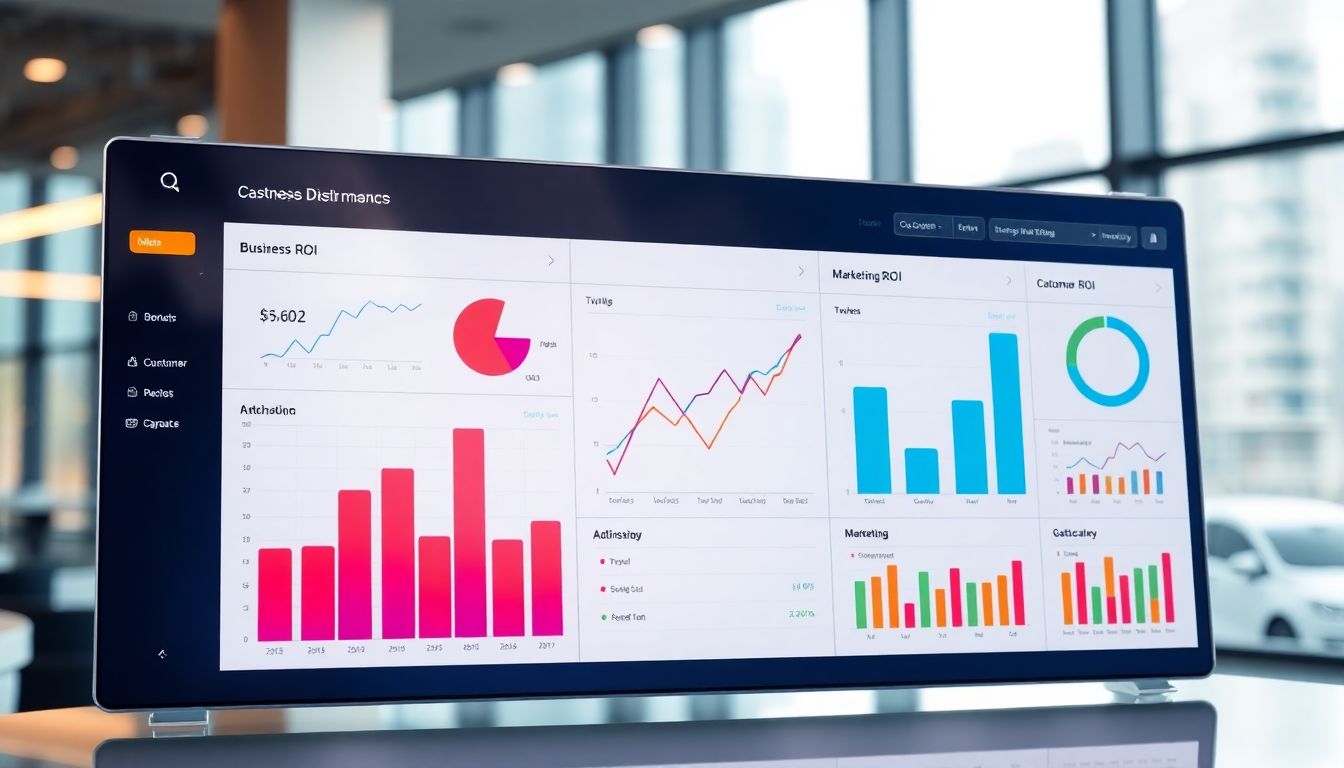
Imagine drowning in data. Reports pile up, spreadsheets sprawl, and insights hide in the noise. Decisions become guesswork, and opportunities slip away. That’s where business intelligence (BI) tools come in. These powerful platforms transform raw data into actionable intelligence. Ready to revolutionize how your business makes decisions? Let’s explore the top 5 BI tools that can reshape your strategy!
Understanding the Power of Business Intelligence
Business intelligence isn’t just about collecting data. It’s about turning that data into something useful. It helps you see what’s happening in your company and why.
What is Business Intelligence?
Business intelligence (BI) is the process of analyzing data to improve decision-making. It uses tools and techniques to gather, store, and analyze information. Core components include data warehousing, data mining, and reporting. BI helps businesses understand past and present performance, and to predict future trends. It has evolved from simple reporting to advanced analytics.
Why is Business Intelligence Important for Decision-Making?
BI improves the accuracy and efficiency of decision-making. It provides a clear view of business performance. Companies using BI can see a significant return on investment. Better decisions lead to improved performance and higher profits. BI provides the right information, at the right time.
Key Features to Look for in a BI Tool
When choosing a BI tool, consider key features. Data visualization helps you understand complex data. Real-time analytics provide up-to-date insights. Mobile access allows you to monitor performance on the go. Integration capabilities ensure the tool works with your existing systems. These features will empower your team.
Tool 1: Microsoft Power BI
Microsoft Power BI stands out as a versatile business analytics solution. It’s designed to transform raw data into cohesive, visually immersive, and interactive insights. Let’s dive deeper.
Overview of Microsoft Power BI
Power BI offers a range of features, including interactive dashboards and reports. It has a user-friendly interface. Pricing varies depending on your needs. It’s suitable for businesses of all sizes. It integrates well with other Microsoft products.
Benefits and Drawbacks of Using Power BI
Power BI’s integration with Microsoft products is a major advantage. It offers powerful data visualization capabilities. However, it may have limitations for organizations heavily invested in non-Microsoft ecosystems. While it’s generally easy to use, advanced features may require training. Costs can add up for larger organizations.
Real-World Applications of Power BI
In retail, Power BI helps analyze sales trends and customer behavior. Healthcare providers use it to track patient outcomes and optimize resource allocation. Manufacturing companies use Power BI to monitor production efficiency and identify bottlenecks. These examples show its wide range of applications.
Tool 2: Tableau
Tableau is well-known for its strength in data visualization and exploration. It allows users to quickly create interactive dashboards and reports. It is highly regarded as a BI tool.
Overview of Tableau
Tableau comes in several versions, including Tableau Desktop, Tableau Server, and Tableau Online. Each version caters to different needs and deployment preferences. Tableau Desktop is a local application for creating visualizations. Tableau Server allows sharing visualizations within an organization. Tableau Online is a cloud-based platform for broader accessibility. Pricing varies depending on the version and user count.
Benefits and Drawbacks of Using Tableau
Tableau’s interactive dashboards and strong community support are major advantages. Users can easily explore data and uncover insights. However, Tableau can be costly, especially for larger teams. Beginners may find the platform complex to learn initially. Despite these drawbacks, its visualization capabilities are top-notch.
Real-World Applications of Tableau
In finance, Tableau is used to analyze market trends and investment performance. Marketing teams use it to visualize campaign results and customer segmentation. Researchers leverage Tableau to explore complex datasets and create compelling visualizations. This illustrates its versatility across sectors.
Tool 3: Qlik Sense
Qlik Sense is unique because of its associative engine. It allows users to explore data in a non-linear way. This uncovers hidden insights.
Overview of Qlik Sense
Qlik Sense offers a range of features, including self-service analytics and data discovery. Its associative technology allows users to explore relationships between data points. Deployment options include cloud and on-premise. This provides flexibility for different business needs.
Benefits and Drawbacks of Using Qlik Sense
Qlik Sense offers great flexibility and self-service analytics. Users can explore data independently. However, it has a learning curve. New users may require training. Pricing can also be a concern for some organizations. Despite these challenges, its unique associative engine sets it apart.
Real-World Applications of Qlik Sense
In manufacturing, Qlik Sense helps identify production bottlenecks and improve efficiency. Supply chain managers use it to track inventory and optimize logistics. Retailers leverage Qlik Sense to analyze sales data and understand customer preferences. These examples demonstrate its practical applications.
Tool 4: Sisense
Sisense stands out with its end-to-end capabilities and ability to handle complex data. It is designed for businesses that need to analyze large, complex datasets.
Overview of Sisense
Sisense focuses on embedded analytics and offers features like data blending and advanced analytics. Its architecture is designed to handle large datasets efficiently. This enables users to gain insights from diverse sources. It caters to businesses with complex data environments.
Benefits and Drawbacks of Using Sisense
Sisense offers scalability and customizability, making it suitable for growing businesses. Its ability to handle complex data is a major advantage. However, it can be expensive, and using it effectively might need specialized skills. These factors should be considered during the selection process.
Real-World Applications of Sisense
In the technology industry, Sisense helps companies analyze user behavior and improve product development. Telecommunications companies use it to monitor network performance and optimize service delivery. Financial institutions leverage Sisense to detect fraud and manage risk. These examples highlight its value in data-driven industries.
Tool 5: Looker
Looker is a business intelligence and data analytics platform. It helps organizations explore, analyze, and share data insights. Looker distinguishes itself through its modern approach to BI.
Overview of Looker
Looker offers a variety of features, including data modeling, dashboards, and embedded analytics. It uses a unique modeling language called LookML. This promotes consistency and accuracy in data analysis. It integrates well with cloud platforms and data warehouses.
Benefits and Drawbacks of Using Looker
Looker’s integration with cloud products is a significant advantage. It ensures data consistency through its LookML modeling language. However, it may have limitations for organizations not heavily invested in cloud infrastructure. The cost can be a factor for smaller businesses.
Real-World Applications of Looker
E-commerce companies use Looker to analyze sales data and understand customer behavior. Retailers leverage it to optimize inventory management and improve customer experiences. Marketing teams use Looker to track campaign performance and personalize marketing efforts. Its adaptability shines across industries.
Choosing the Right BI Tool for Your Business
Selecting the right BI tool depends on your business needs. Consider several factors before making a decision. The best tool fits your budget, size, and data complexity.
Factors to Consider When Selecting a BI Tool
Budget is a primary consideration. Company size affects the scalability needed. Data complexity dictates the tool’s analytical capabilities. Technical expertise within your team impacts ease of use. Think about what problems you are trying to solve.
Actionable Tips for Implementing a BI Solution
Start with proper data preparation. Ensure data is clean and accurate. Provide adequate user training. Set realistic goals for BI implementation. These steps increase your chances of success.
Future Trends in Business Intelligence
Emerging technologies are shaping the future of BI. AI and machine learning automate data analysis. Natural language processing makes insights more accessible. These trends promise to further enhance decision-making.
Conclusion
We’ve explored the top 5 BI tools: Microsoft Power BI, Tableau, Qlik Sense, Sisense, and Looker. Each offers unique strengths. Choosing the right tool is crucial for informed decision-making. Take the next step. Explore these tools further and start leveraging BI for business success!
About the Author
Anish is the founder of TechBoltX, sharing mobile gaming rewards, guides, and daily updates.