 ByAnish

iOS 18.4.1 Update Is Bricking iPhones: What You Need to Know
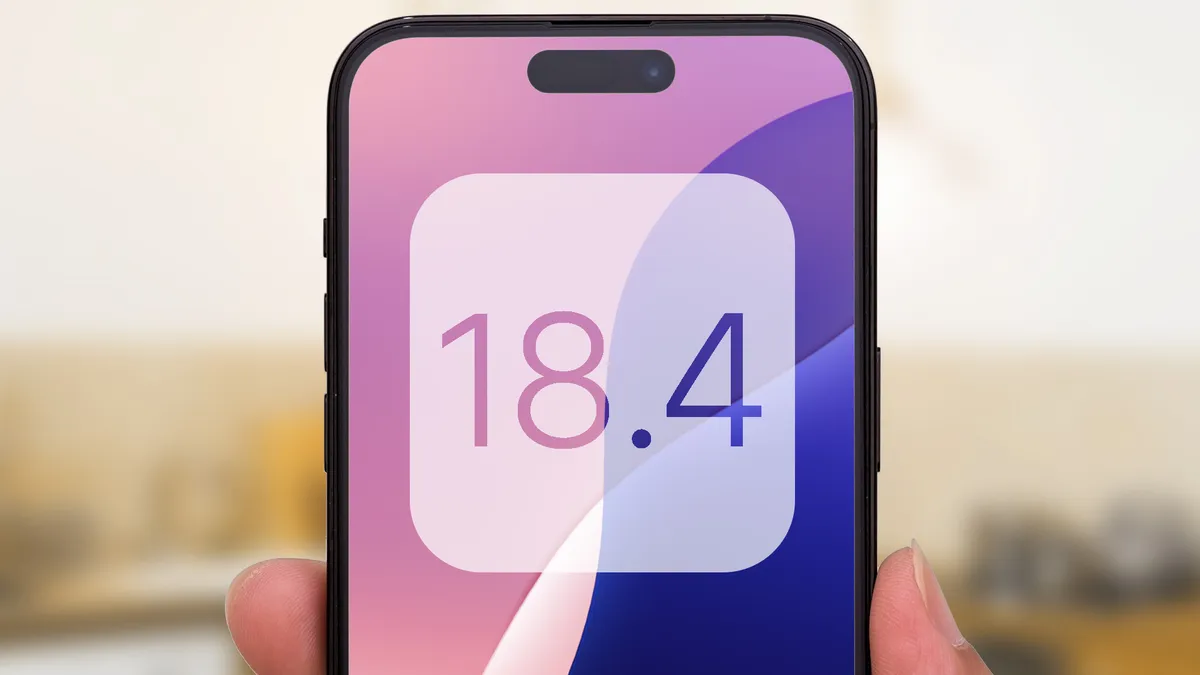
The iOS 18.4.1 update has caused serious headaches for iPhone users. Multiple reports reveal that after installing iOS 18.4.1, some iPhones are bricking, meaning the device becomes completely unresponsive and won’t turn on.
This issue appears across several iPhone models, including iPhone 12, iPhone 13, and even newer devices like iPhone 15. Many users have taken to social media and forums, desperately looking for fixes after their phones became stuck on the Apple logo or black screen.
What Is Causing the iOS 18.4.1 Bricking Problem?
While Apple has not yet officially confirmed the root cause, early signs suggest that a bug in the update process may corrupt critical system files, making the phone unusable. Some tech experts believe that installing the update over a low battery or interrupted internet connection could increase the risk of your iPhone bricking.
Signs Your iPhone May Be Affected
If you recently updated to iOS 18.4.1 and your iPhone:
- Won’t boot past the Apple logo
- Stays stuck in a boot loop
- Shows only a black screen
- Is unresponsive even after forced restart
You might be facing the iOS 18.4.1 bricking issue.
How to Protect Your iPhone
Before updating to any iOS version, it’s critical to:
- Back up your iPhone via iCloud or iTunes.
- Ensure your battery is fully charged.
- Use a stable Wi-Fi connection.
- Wait a few days after a new update to see if issues are reported.
How to Fix a Bricked iPhone After iOS 18.4.1
If your iPhone is already bricked:
- Try a hard reset (press and quickly release Volume Up, then Volume Down, then press and hold the Side button).
- Use Recovery Mode and connect your iPhone to a computer using Finder or iTunes.
- If Recovery Mode fails, you may need to try DFU mode (Device Firmware Update mode).
- Visit an Apple Store or contact Apple Support immediately if none of the above works.
Is Apple Responding?
As of now, Apple has not issued an official statement addressing the iOS 18.4.1 bug. However, given the widespread attention, a follow-up patch or update could arrive soon.
⚡ Stay updated on the latest iPhone news to avoid costly mistakes. Always double-check before rushing into updates—especially after hearing about serious issues like the iOS 18.4.1 bricking problem.