
ByAnish
How to Trade in Knockout Roblox (Trading Guide 2026)
How to Trade in Knockout Roblox (Full Guide)
Trading is finally live in Roblox experience Knockout!
This major update adds a full trading system, marketplace features, Trade Tokens, and igloo shops.
Players can now buy, sell, and collect skins much easier.
This changes the whole game economy.
Quick Answer (Most Searched)
👉 To trade in Knockout:
- Open Social Hub
- Go to Players tab
- Select a player
- Send trade request
- Exchange skins/items
👉 You also need Trade Tokens for marketplace purchases.
What Is Knockout Trading?
Knockout trading is the new player marketplace system.
It allows:
- Direct player trades
- Skin buying
- Skin selling
- Bundle purchases
- Collection trading
This is one of the biggest Knockout updates.
What Are Trade Tokens?
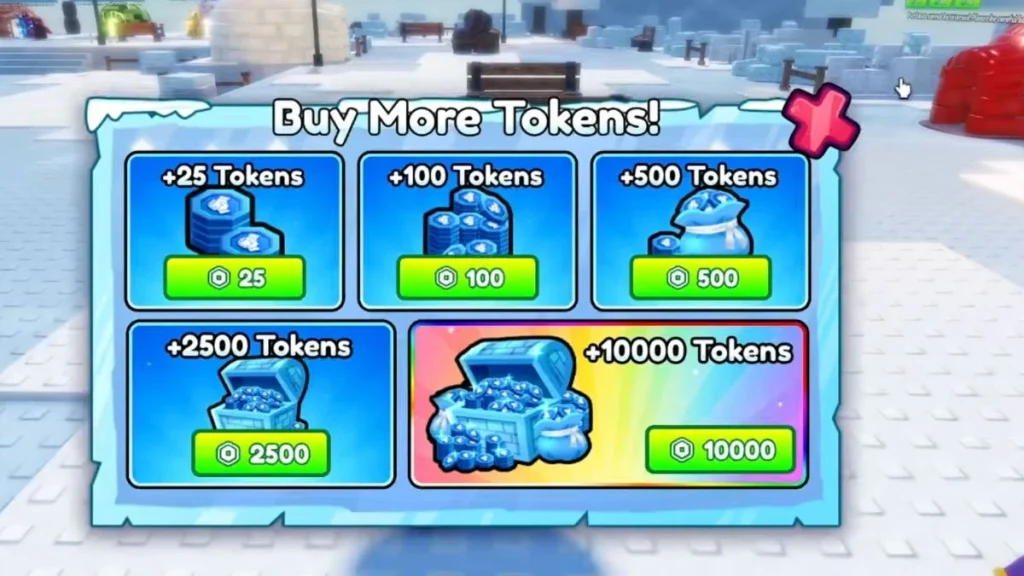
Trade Tokens are the new trading currency.
Important:
They are separate from Ice currency.
You use Trade Tokens for:
- Buying skins
- Marketplace shopping
- Trading purchases
- Bundle offers
How To Get Trade Tokens
There are 2 methods.
1. Earn Through Gameplay
Players can earn Trade Tokens while using the trading system.
2. Buy With Robux
Trade Tokens can be purchased directly.
Rate:
1 Robux = 1 Trade Token
This makes fast trading easier.
How To Trade in Knockout
Follow these steps.
Step 1
Open Knockout
Step 2
Go to Social Hub
Trading happens inside Social Hub.
Step 3
Open Players Tab
This shows live players available to trade.
Step 4
Choose a Player
Select the person you want.
Step 5
Send Trade Offer
Negotiate inside the trade window.
Step 6
Confirm Trade
Check items carefully before accepting.
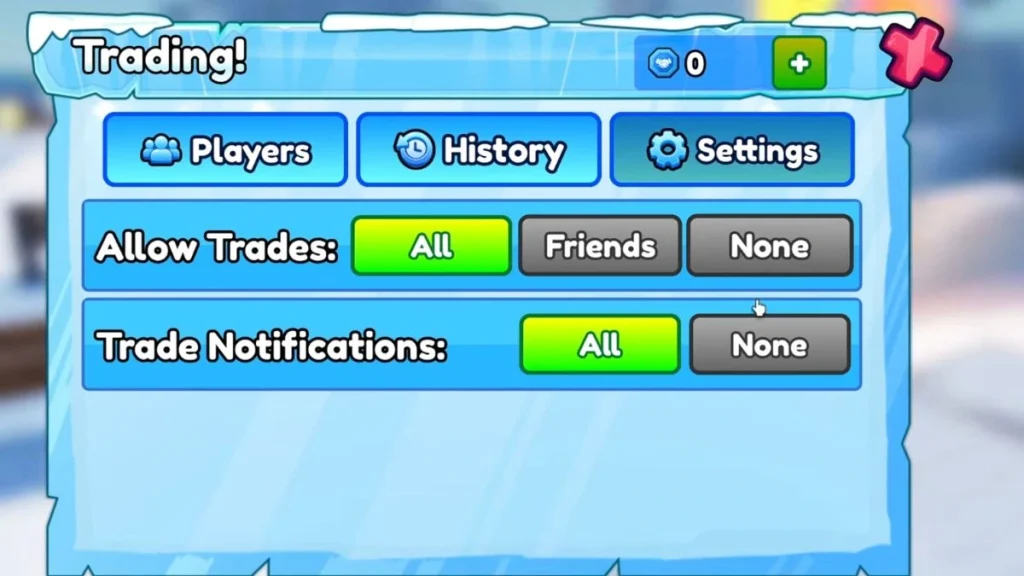
Trading Menu Explained
The trading interface has 3 tabs.
Players Tab
Shows players currently available.
History Tab
Shows your past trades.
Useful for tracking deals.
Settings Tab
Lets you manage:
- Trading preferences
- Interaction controls
- Trade settings
How To Claim Your Igloo
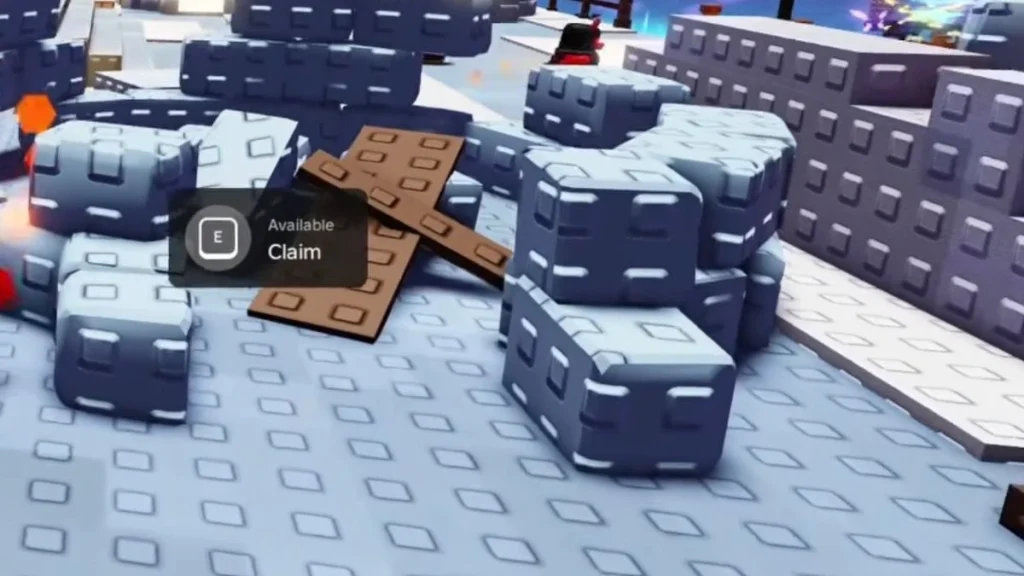
The marketplace uses igloos.
When entering Social Hub:
your avatar becomes your penguin skin.
To set up:
Step 1
Enter Social Hub
Step 2
Claim your igloo
Step 3
List skins for sale
Now other players can visit and buy directly.
Knockout Marketplace Explained
This works like a player-run shop.
Players can:
- Visit igloos
- Browse skins
- Buy listed items
- Spend Trade Tokens
This adds a full economy system.
Safe Trading Tips
1. Double Check Offers
Avoid accidental bad trades.
2. Know Item Value
Some skins may be rare.
3. Use History Tab
Track completed deals.
4. Avoid Rush Trades
Fast deals can be risky.
5. Protect Rare Skins
Limited items may rise in value.
Why This Update Is Trending
Top Bing keywords:
- how to trade in knockout roblox
- knockout trade tokens
- knockout trading guide
- knockout marketplace
- knockout igloo trading
Why huge traffic:
- Massive new feature
- Roblox trading economy
- Rare skin collecting
- Player marketplace hype
FAQs
How do you trade in Knockout?
Use Social Hub → Players tab → send trade request.
What are Trade Tokens?
New trading currency for marketplace purchases.
Can you buy Trade Tokens?
Yes, with Robux.
What is the exchange rate?
1 Robux = 1 Trade Token.
What is the igloo for?
Your personal player shop.
About the Author
Anish covers Roblox guides, events, and tips. He helps players find secrets, updates, and gameplay tricks.