
ByAnish
5 Best Face Swap AI Tools in 2025 (Tested & Reviewed)
Best AI Tools for Face Swap (Tested & Ranked)
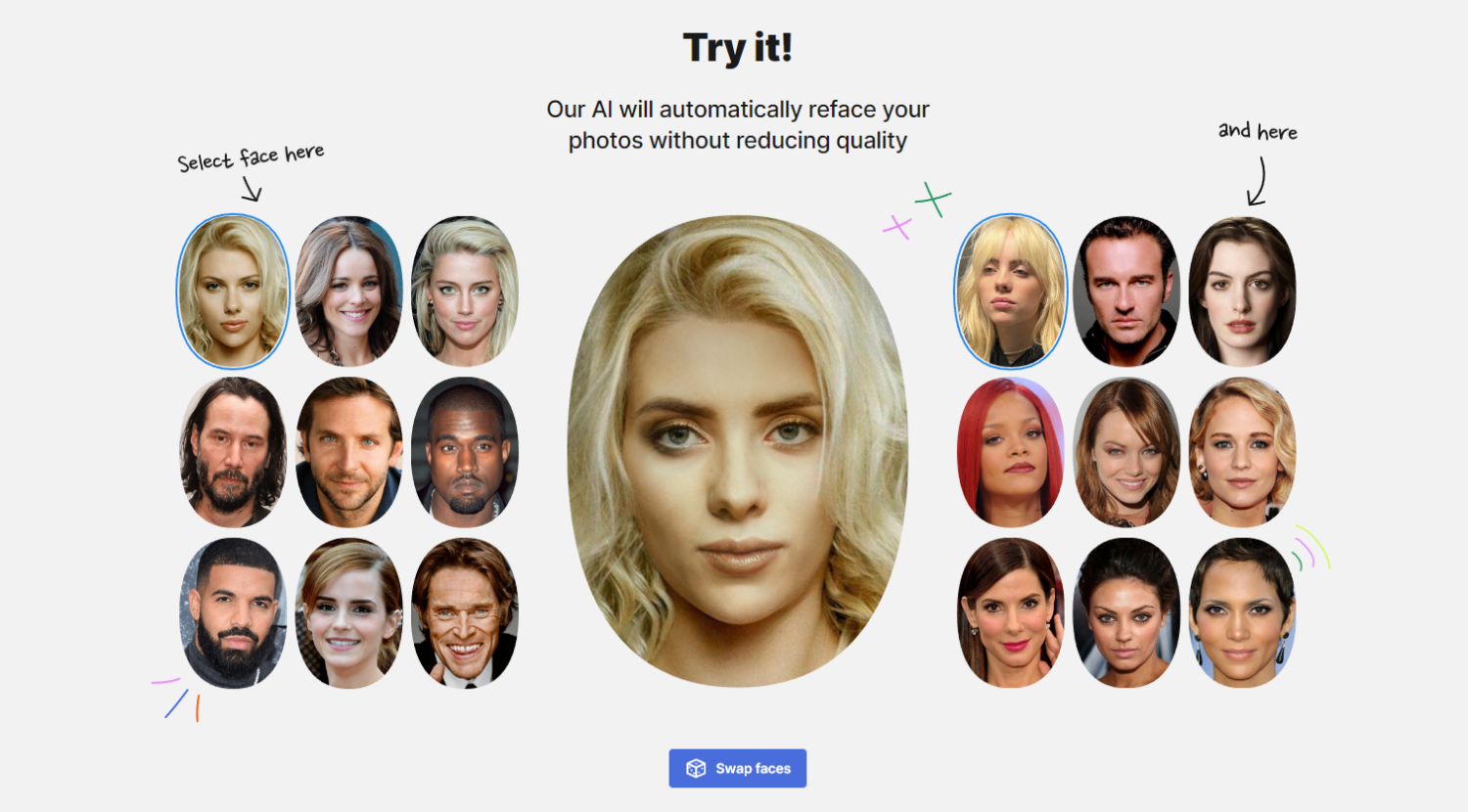
Generative AI has completely transformed image and video editing. One of the most popular and entertaining applications today is AI-powered face swapping, where advanced models replace faces while preserving lighting, expressions, and realism.
After testing over 20 platforms, only five face swap AI tools consistently delivered quality, speed, and usability. Whether you want casual meme edits, professional-grade images, or real-time video face swaps, this list covers the best face swap AI tools in 2025.
Best Face Swap AI Tools Compared
| Face Swap AI Tool | Best For | Key Limitations | Pricing |
|---|---|---|---|
| Higgsfield AI | High-quality realistic face swaps | Free usage limited | Free (5/day), Paid from $9/mo |
| Pixlr AI Face Swap | Quick social media edits | Less realistic output | Free, Paid from $1.49/mo |
| Deep Live Cam | Real-time video face swaps | Requires strong GPU | Free |
| Reface | Mobile face swap videos | Watermarks on free plan | Free, Paid from $2.49/mo |
| Fotor AI Face Swap | Free casual face swapping | Inconsistent realism | Free, Paid from $8.99/mo |
1. Higgsfield AI — Best Overall Face Swap AI
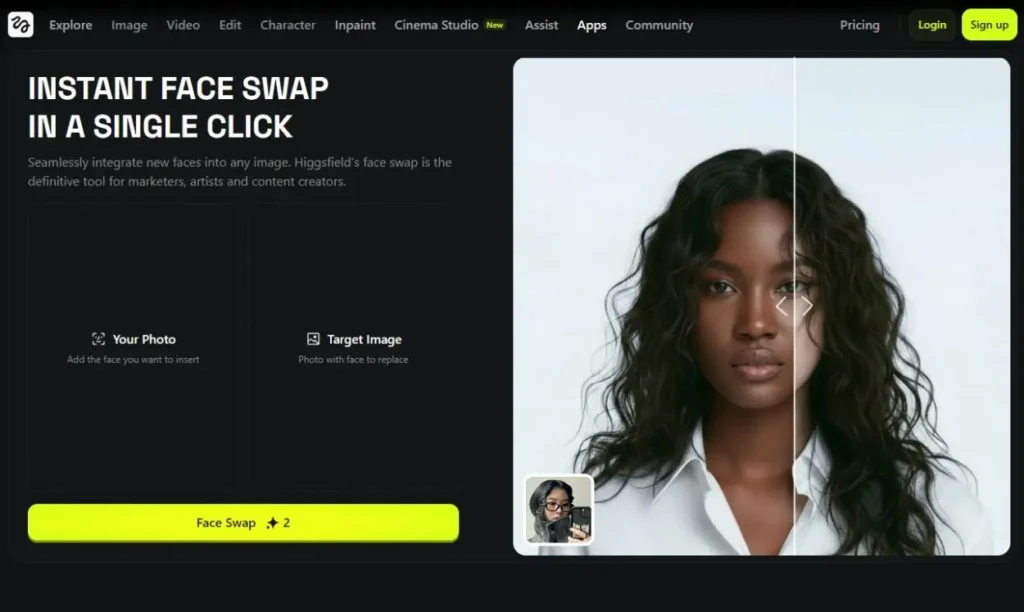
If you want the best face swap AI, Higgsfield AI stands clearly at the top. It’s an all-in-one AI platform offering image generation, animation, and highly realistic face swapping.
You simply upload a source image and a target image, and within seconds, Higgsfield delivers a clean, high-resolution face swap that preserves lighting, shadows, and facial structure. It even works seamlessly with paintings and 3D models, which most competitors struggle with.
Pros
- 5 free face swaps daily
- Excellent lighting and texture consistency
- Supports images, animations, and videos
Cons
- Free outputs have quality limits
Pricing: Free (5 images/day), Paid plans start at $9/month
2. Pixlr AI Face Swap — Best for Quick Edits
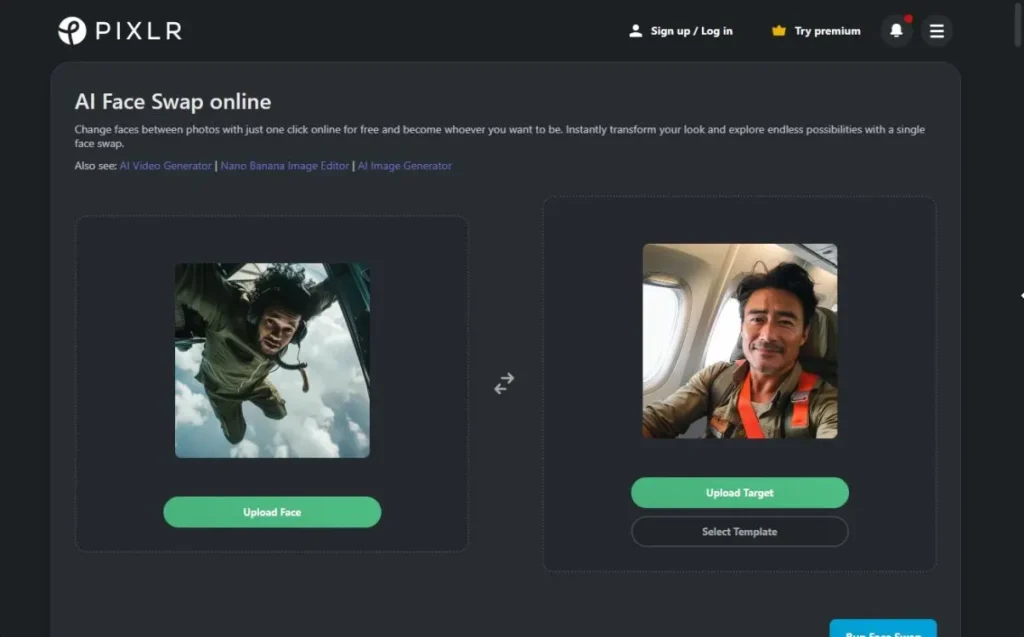
Pixlr is already a popular AI photo editor, and its face swap feature is perfect for fast, fun transformations. With built-in templates, you can instantly place your face on superheroes, athletes, or cinematic scenes.
While results aren’t always hyper-realistic, Pixlr excels at speed and ease of use, making it ideal for casual users and social media creators.
Pros
- Integrated into Pixlr’s editor
- Fast and beginner-friendly
- Great for memes and reels
Cons
- Output realism can be inconsistent
Pricing: Free, Paid plans start at $1.49/month
3. Deep Live Cam — Best for Real-Time Video Face Swap
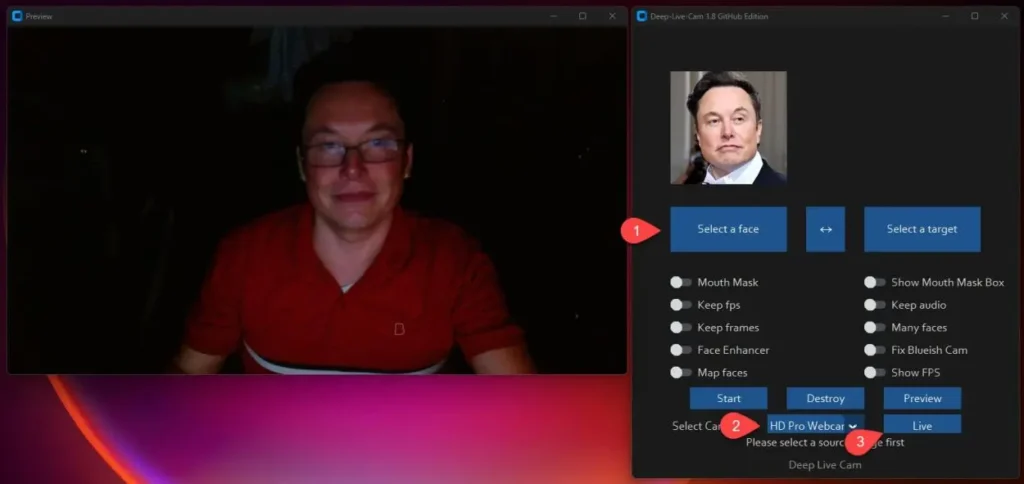
Unlike image-based tools, Deep Live Cam specializes in real-time face swapping for live video. With just one reference image, it can accurately replace faces in live streams or recorded videos.
It tracks mouth movements and facial expressions surprisingly well. However, it requires strong local hardware and should be used responsibly due to its deepfake potential.
Pros
- Real-time face swapping
- Local processing (no cloud uploads)
- Supports multiple faces
Cons
- Requires a powerful GPU
- Risk of misuse
Pricing: Free
4. Reface — Best Mobile Face Swap App
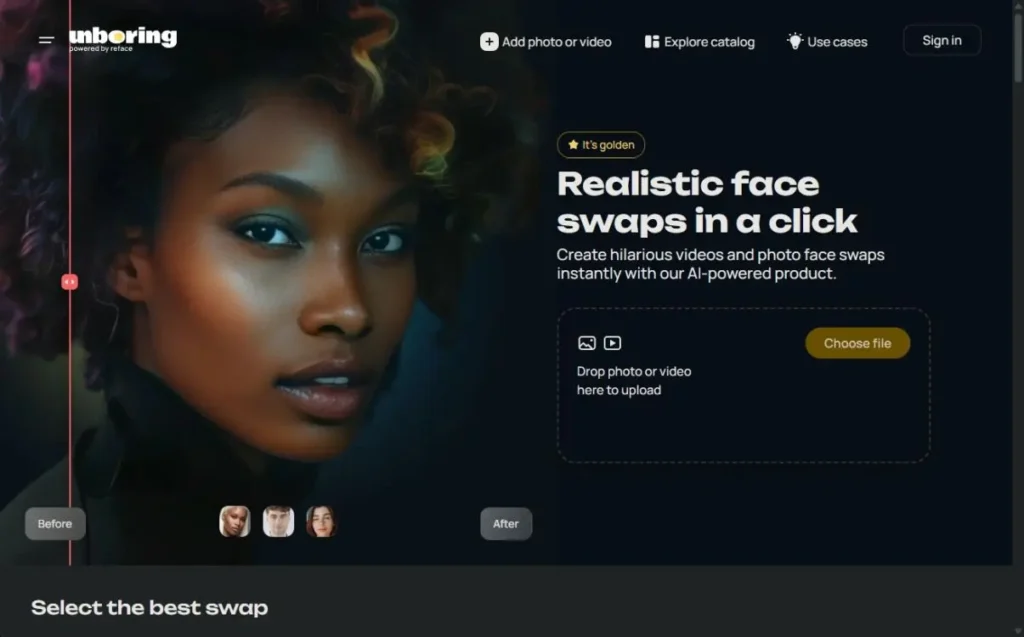
Reface is one of the most downloaded face swap apps on Android and iOS. It allows users to turn selfies into animated videos, swap faces with celebrities, and apply viral AI filters.
The app shines in entertainment value, especially for short videos and lip-sync content. However, premium features are locked behind a subscription.
Pros
- Excellent mobile experience
- Large template library
- Realistic animated results
Cons
- Watermarks on free version
Pricing: Free with ads, Paid plans from $2.49/month
5. Fotor AI Face Swap — Best Free Option
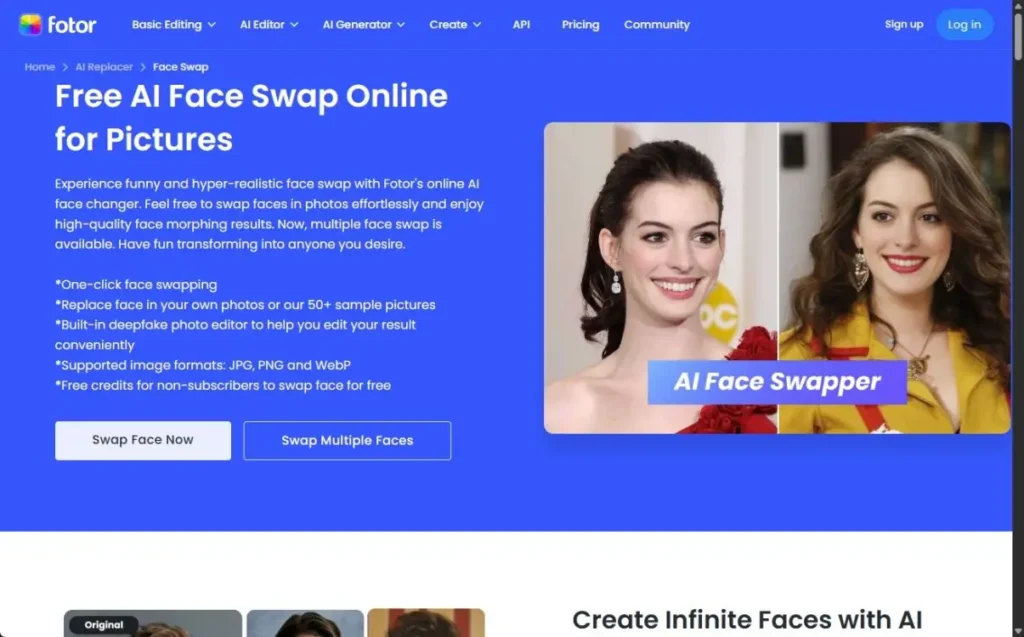
For users who want a free face swap AI, Fotor is a solid choice. It supports single-click face swapping and includes basic AI editing tools for refining results.
While realism varies, Fotor handles multiple faces and even supports GIFs and short videos, making it ideal for casual experimentation.
Pros
- Free web-based tool
- Built-in AI editor
- Handles multiple faces
Cons
- Output quality not always consistent
Pricing: Free, Paid plans start at $8.99/month
Frequently Asked Questions (FAQ Schema Ready)
What is the best face swap AI in 2025?
Higgsfield AI is currently the best face swap AI due to its realism, lighting accuracy, and support for images, videos, and animations.
Are face swap AI tools safe to use?
Yes, when used responsibly. Avoid swapping faces without consent and follow platform guidelines.
Can face swap AI work on videos?
Yes. Tools like Deep Live Cam and Reface support real-time and pre-recorded video face swaps.
Is there a free face swap AI tool?
Yes. Fotor and Higgsfield AI both offer free face swap options with limitations.
Which face swap AI is best for mobile users?
Reface is the best option for Android and iOS users.
Do face swap AI tools require a powerful computer?
Most web tools do not, but real-time video tools like Deep Live Cam require a strong GPU.
Final Verdict: Which Face Swap AI Should You Use?
If you want the most realistic results, go with Higgsfield AI.
For fast social edits, Pixlr is ideal.
For real-time video, Deep Live Cam is unmatched.
Mobile users should choose Reface, while Fotor is best for free experimentation.
Each tool serves a different purpose—but only these five truly deliver in 2025.
About the Author
Anish is the founder of TechBoltX, sharing mobile gaming rewards, guides, and daily updates.