 ByAnish

Adobe Brings Nano Banana AI Photo Editor to Photoshop
Adobe Adds Nano Banana AI to Photoshop
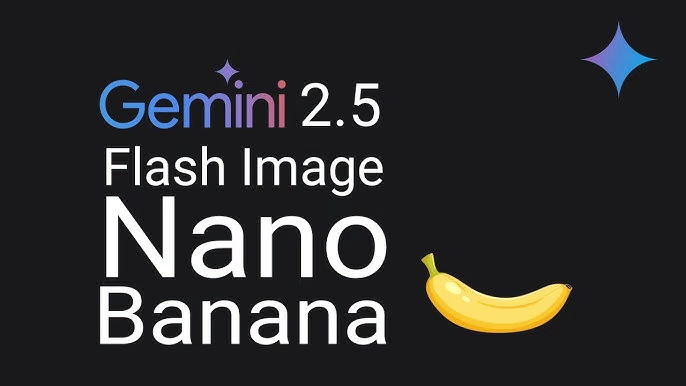
Adobe has officially integrated Google’s Nano Banana AI engine (Gemini 2.5 Flash) into Photoshop, marking the first time the company has opened its app to third-party AI models. Alongside Nano Banana, Adobe is also bringing in Black Forest Labs’ Flux.1 Kontext Pro.
This update means Photoshop users can now experiment with multiple AI engines directly inside the app, rather than relying only on Adobe’s own Firefly models.
Deepa Subramaniam, Adobe’s VP, highlighted the benefits:
“What makes this integration especially powerful is how it combines choice in models with Photoshop’s professional-grade tools, giving you the ability to generate content, then immediately refine it with Photoshop’s precision and control.”
How to Use Nano Banana in Photoshop
Using the Nano Banana photo editor inside Photoshop is simple:
- Open Photoshop (latest version).
- Go to the Generative Fill feature.
- From the AI model selector, choose Nano Banana (Gemini 2.5 Flash).
- Enter your text prompt or edit instructions.
- Photoshop will generate the image, which you can then refine using its standard editing tools.
Currently, Nano Banana is restricted to the Generative Fill feature, but Adobe may expand functionality in future updates.
User Limits & Availability
- Free Access: Unlimited use of Nano Banana and Flux.1 Kontext Pro until October 28, 2025.
- After October 28:
- Creative Cloud Standard / Photography Plan / Photoshop Single-App: 100 lifetime credits per model.
- Creative Cloud Pro subscribers: 500 credits per day.
Privacy & Commercial Use
Adobe clarified that user content from Photoshop is not used to train AI models, regardless of which engine is selected.
However, commercial use remains a grey area. Adobe notes it is up to creators to determine if outputs from partner models like Nano Banana are safe for commercial projects, based on factors like training data and licensing.
Why It Matters
The addition of Nano Banana to Photoshop is a big step for AI-powered creativity. For users, it means:
- More choice between AI engines.
- Ability to generate + refine images in one place.
- Flexible credit system for different subscription plans.
For Adobe, it signals a shift toward making Photoshop a hub for third-party AI innovation, not just its in-house Firefly tools.
✅ Quick Tip: If you want unlimited Nano Banana edits, make sure to experiment before October 28, 2025, when the credit system kicks in.
❓ Frequently Asked Questions
1. What is Nano Banana AI in Photoshop?
Nano Banana AI (Gemini 2.5 Flash) is a third-party AI engine integrated into Photoshop’s Generative Fill feature, allowing users to create and refine AI-generated images directly in the app.
2. How do I use Nano Banana in Photoshop?
Open Photoshop, go to the Generative Fill tool, select Nano Banana as your AI model, enter a prompt, and generate your image. You can then refine it with Photoshop’s editing tools.
3. Is Nano Banana free in Photoshop?
Yes, unlimited access is available until October 28, 2025. After that, access is limited based on your Creative Cloud plan with a credit system.
4. Can I use Nano Banana images commercially?
Adobe does not clarify commercial rights for Nano Banana outputs. It’s the creator’s responsibility to determine if generated images are safe for commercial use.
5. Does Adobe use my images to train AI?
No, Adobe’s policy ensures that content created in Photoshop, even with third-party AI engines, is not used to train AI models.