 ByAnish

Windows 11 Taskbar Adds Quick Wi-Fi Speed Test
Windows 11 Taskbar Gets Built-in Speed Test
Microsoft is rolling out a handy new update for Windows 11 users: quick access to Wi-Fi speed tests directly from the taskbar.
The feature allows you to check your network speed instantly without needing to download third-party apps or open your browser manually.
But here’s the twist—when you run the test, it opens Bing in your default browser to perform the speed test.
The Good
- ✅ Quick access to Wi-Fi speed test
- ✅ No need for third-party apps
- ✅ Integrated into Windows 11’s taskbar for convenience
The Bad
- ❌ Relies on Bing instead of a built-in Windows tool
- ❌ Requires an internet connection to access the Bing speed test page
- ❌ Might frustrate users who prefer Google or other tools
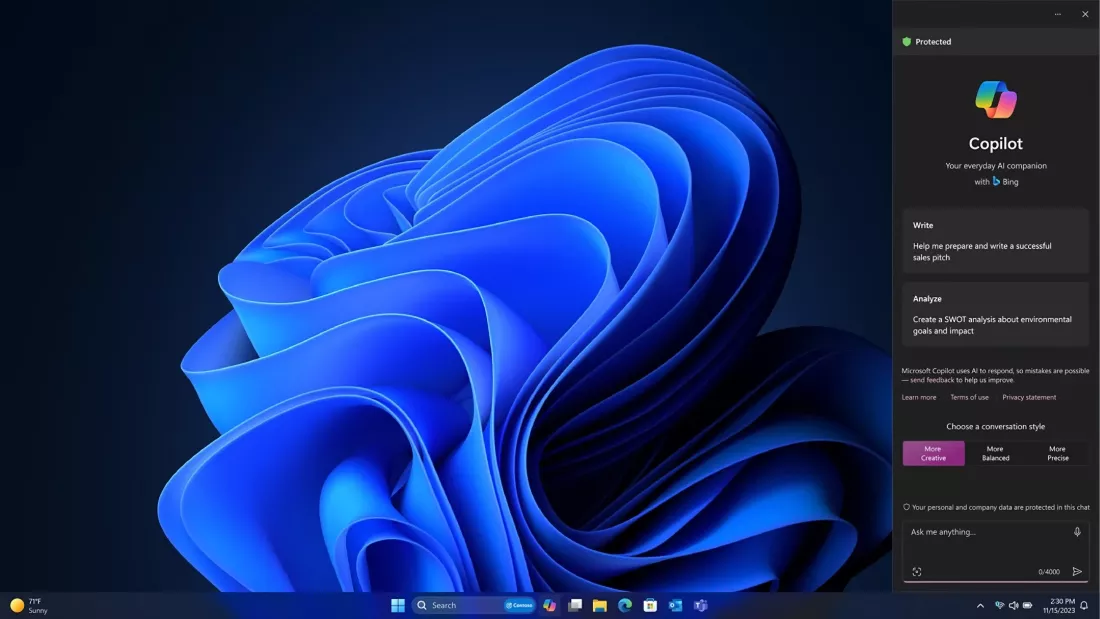
This move continues Microsoft’s push to integrate Bing more deeply into Windows, following earlier updates that brought AI-powered Copilot and web search shortcuts into the OS.
The new taskbar shortcut will roll out gradually with upcoming Windows 11 Insider Preview builds before reaching general users later this year.
FAQ: Windows 11 Taskbar Speed Test
Q1: How do I use the new speed test feature?
You’ll be able to right-click the Wi-Fi/network icon on the taskbar and select “Check Speed” to launch the Bing-powered test.
Q2: Is the speed test built into Windows 11?
Not fully. The shortcut is built-in, but the actual test runs through Bing in your browser.
Q3: Can I change the speed test provider?
No, at launch it’s tied to Bing. If you prefer another service, you’ll still need to open it manually.
Q4: When will this update be available?
It’s currently in Insider testing and expected to roll out widely in late 2025.
Q5: Why is Microsoft using Bing for this feature?
Microsoft is leveraging Bing integration across Windows to boost usage and unify its services.
⚡ Takeaway: Windows 11’s new taskbar speed test is convenient but still feels like a clever way for Microsoft to push Bing.